
Home builder website: what to include (show homes, communities, VIP sign-ups)
Buyers of new homes shop differently. Your website should answer “where, when, how much, and how do I get in first?” on every page.
Short answer
A builder website needs five things: a page per community, show home details (address, hours, directions), a “Register for VIP updates” form for each release, floor plans and features buyers can compare, and one place where every sign-up and enquiry lands so your sales team can follow up quickly.
People buying a new home aren’t browsing resale listings. They’re following a community from the first rendering to move-in day, comparing floor plans, visiting show homes on weekends, and trying to get in before the next release sells out. A builder website that works is organized around those moments. Here’s what to include, in the order buyers look for it.
1. A clear home page: what’s selling now
Lead with your current communities or releases — name, area, home types and a “from” price if you publish one. Put the next important date where it can’t be missed: a show home grand opening, a release weekend, a price increase. Then one obvious action: register for updates. Past projects belong lower on the page, as proof of what you build.
2. A page for every community
Buyers search for communities by name — and so do their parents, their realtor and their mortgage broker. Give each one its own page and web address with:
- Photos and renderings, and a short description of the setting.
- Home types and sizes, with floor plans where you can share them.
- What’s nearby: schools, parks, transit, shopping, commute times.
- A map pin and directions to the sales centre.
- Status: upcoming, now selling, final homes, sold out.
- A sign-up form specific to that community.
A page per community also gives your sales team one link to share in emails, ads and social posts, and it gives Google something specific to show when someone searches the community’s name.
3. Show homes: address, hours, directions
The most common question a sales centre gets is “when are you open?”. Put show home addresses, opening hours, holiday hours and parking or directions on a dedicated page, and link to it from every community. Update it the day hours change. If you take appointments, say how to book.
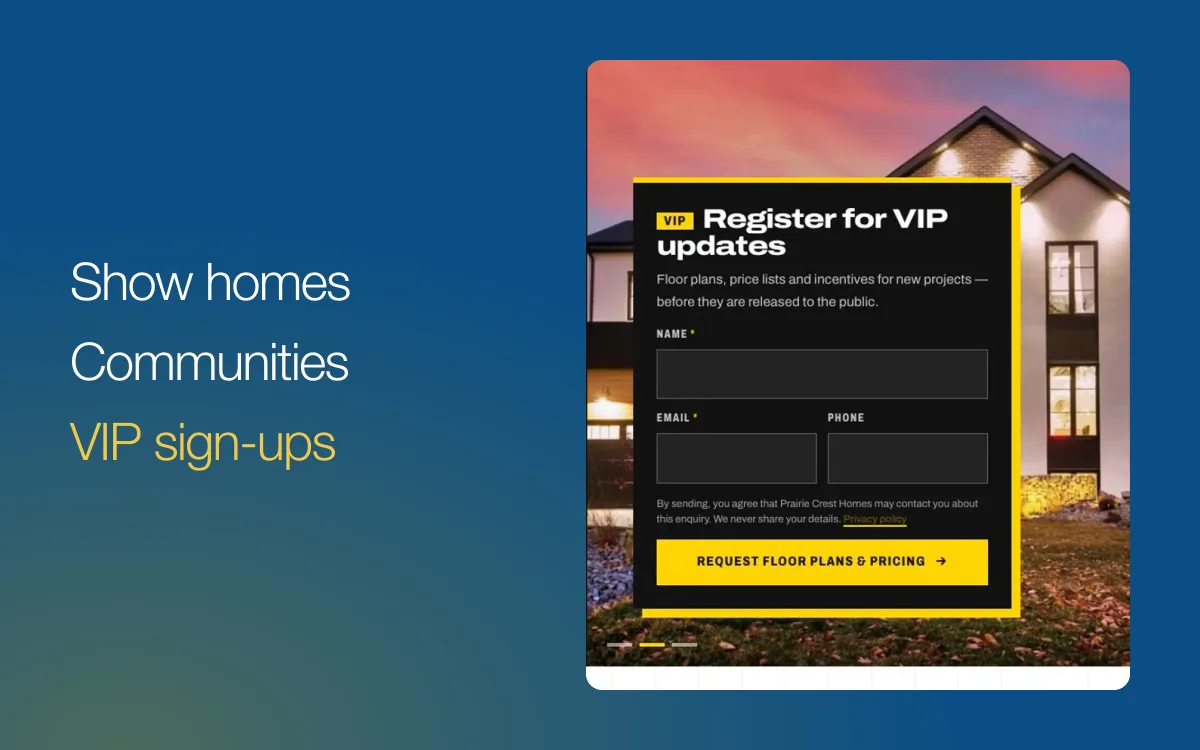
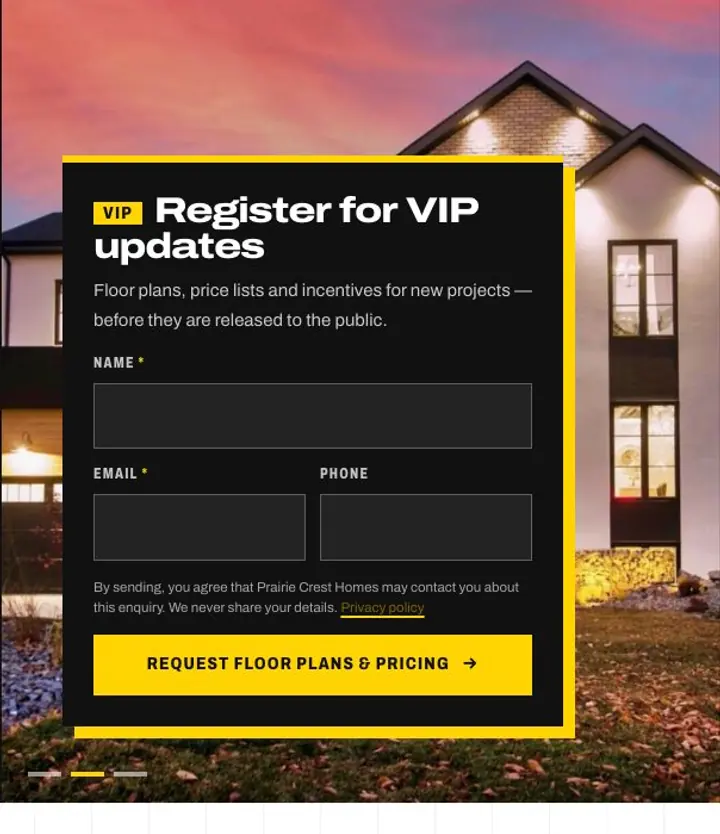
4. A “Register for VIP updates” form
New-home sales run on the interest list. A VIP sign-up turns website visitors into people you can contact when floor plans and price lists are ready. Make it work:
- Ask for little. Name and email; phone optional. Every extra field costs sign-ups.
- Say what they get. “Floor plans, price lists and release dates before the public.”
- Say how you’ll contact them, and link your privacy policy. In Canada, commercial email needs consent and a way to unsubscribe.
- Reply quickly. A sign-up is warmest in the first hour.
5. Floor plans and features buyers can compare
Buyers compare plans side by side, often on a phone at the kitchen table. For each plan show the name, size, bedrooms and bathrooms, a clear floor plan image and the standard features. List included features and upgrades separately so nobody feels misled later. If you publish prices, date them.
6. “Building with us”
First-time new-home buyers are nervous about the process. A short page that explains deposits, timelines, selections, inspections, warranty and what happens at possession builds trust and saves your sales team from answering the same questions every weekend. Link your provincial new home warranty provider so buyers can read their coverage for themselves.
7. One inbox for every enquiry
Website forms are only useful if someone answers them. Route every VIP sign-up, contact form and show home question to one place, mark each one as you follow up, and export the list when you need it. If several people share sales, agree who answers what before launch.
8. Trust signals
- Completed communities with photos.
- Homeowner testimonials, with permission.
- Awards with the year and the awarding body.
- Your company name, address and phone on every page.
What to leave out
- A home page slideshow that hides the sign-up form.
- Pages for sold-out communities with no note that they’re sold out.
- PDF-only floor plans that are hard to read on a phone. Offer the PDF as a download, not the only option.
- Stock photos that don’t look like your homes.
How RealtyTerminus builder websites do it
Choose Builder / Developer when you sign up. Your website starts on the Launch template, designed for new construction and pre-sale, with the “Register for VIP updates” card on the home page and Our Communities and Show Homes pages ready to edit. Every sign-up lands in Leads in your admin, with an email to you.
- Community and building pages: add the Communities or Buildings add-on ($5/month or $50/year each) for a page per community or building, with photos, highlights, a map and the homes in it. A building that isn’t finished yet can show its estimated completion.
- Your homes as listings: add show homes and quick-possession homes as listings, linked to their community.
- Room to grow: the Builder plan allows up to 50 active listings and 40 pages, for $25 a month or $250 a year.
- Edit in place: change headlines, release dates and photos right on your website with Live edit.
See everything on websites for builders & developers, or start free for 30 days and build your first community page today.
Questions
What should be on a builder’s home page?
Your current communities or releases, the next show home opening, and a clear sign-up for updates. Keep past projects lower down as proof of what you build.
Do I need a separate page for every community?
If buyers search for it by name, yes. A page per community gives you a web address to share and a better chance of being found on Google.
What should the VIP sign-up ask for?
Name and email, with phone optional. Every extra field costs sign-ups. Say clearly what people get (floor plans, price lists, release dates) and how you’ll contact them.
How much does a builder website cost on RealtyTerminus?
Start free for 30 days. The Builder plan is $25 a month or $250 a year (CAD in Canada, USD elsewhere, taxes extra), and Community or Building pages are add-ons at $5/month or $50/year each.