
Brokerage website guide: roster, office listings and recruiting
A brokerage site has three audiences — buyers and sellers, your own agents, and agents you want to hire. Here’s how to serve all three without a big budget.
Short answer
Give clients a roster where they can find the right agent, your office listings, and clear contact details for each office. Give recruits a “Join us” page with your split model, support, training and a short form. Keep the brokerage name and licence details on every page, and decide up front who updates the roster when agents join or leave.
A brokerage website is three websites in one. Buyers and sellers want to find a trustworthy agent and see what’s for sale. Your own agents want a site they’re proud to send clients to. And the agents you’d like to hire will quietly check your website before they ever call you. Large franchises have teams for this; a 5- to 50-agent independent brokerage usually has an office manager and a few spare hours. This guide is for you.
Start with the brokerage basics
Everything on a brokerage website is advertising for the brokerage, so the basics matter most:
- The full brokerage name, exactly as licensed, on every page — regulators in BC, Ontario and Alberta all expect it to be clear and prominent.
- Each office’s address, phone and hours, and a map.
- Your managing broker and how to reach the office about a complaint or a trust question.
- A privacy policy covering enquiries and any recruiting applications.
Our website checklist for BC, Ontario and Alberta has the details and links to each regulator’s guidance. Make sure your agents’ own websites follow your brokerage advertising policy too.
The agent roster: help clients choose
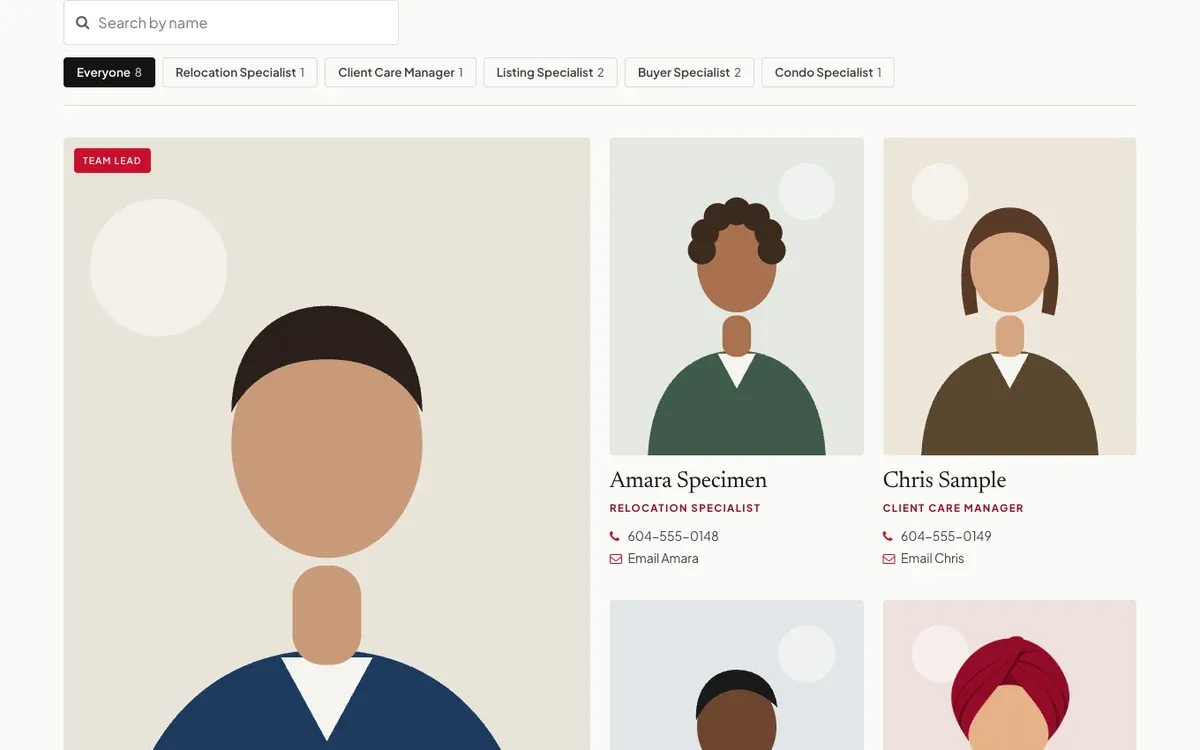
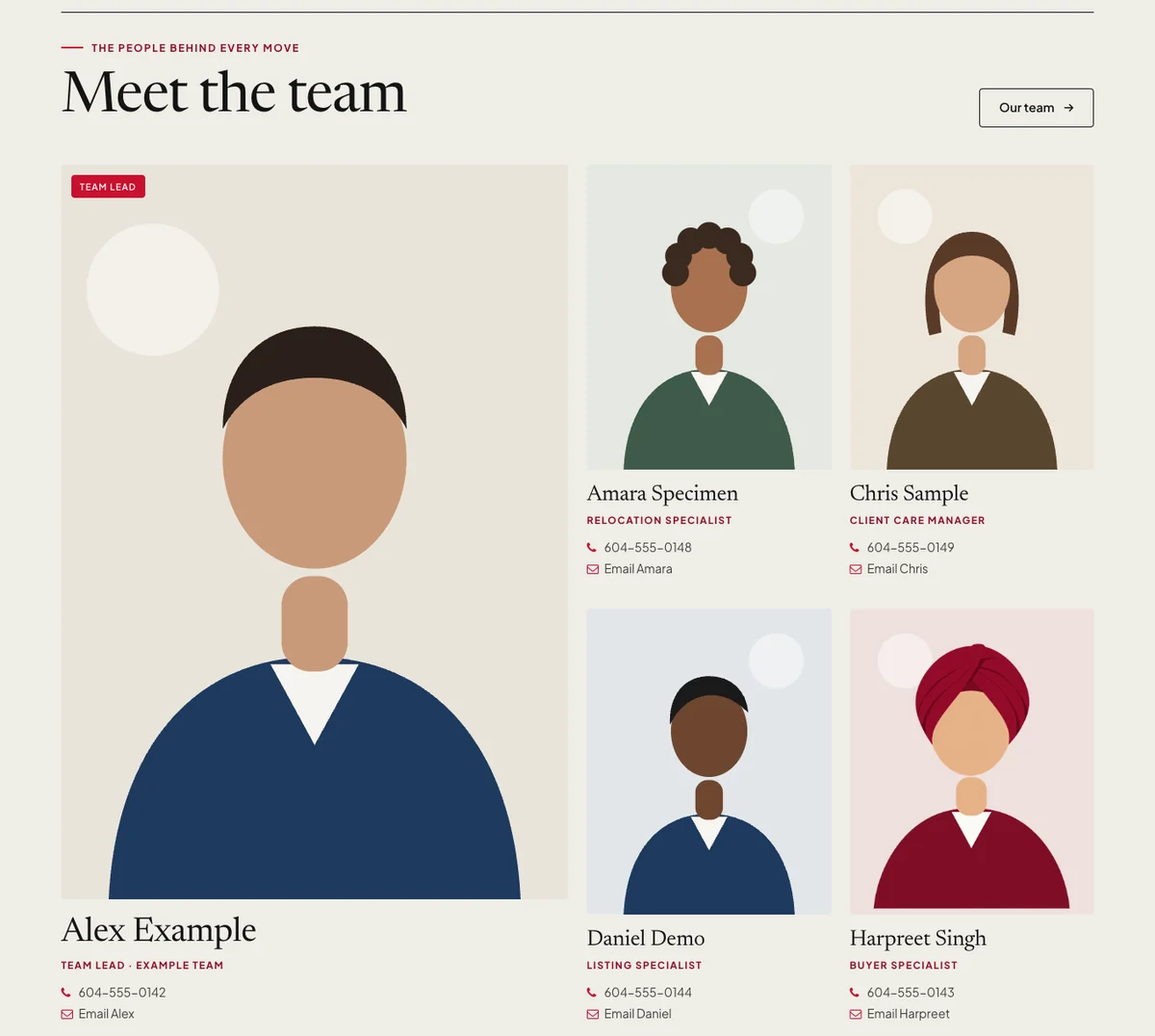
The roster is the most-visited page on most brokerage sites after the home page. Make it useful, not just a wall of headshots:
- Consistent photos. Same framing and background for everyone. Book one photo day a year.
- Roles and specialties. Buyer specialist, condos, pre-sale, acreages, languages spoken. Clients choose by fit.
- Filters or order that make sense. Team leads first, or by office, or alphabetical — pick one and stick to it.
- A profile page for each agent with a bio, contact details and a way to enquire.
- Unlicensed staff clearly labelled — client care, marketing, admin — so nobody mistakes them for licensees.
Office listings
Clients expect to see what your brokerage has for sale. How you get those listings on the site depends on your board and your website provider:
- CREA DDF®. CREA’s Member Website Feed can carry a participant’s own listings or all of their brokerage’s listings for display on their own website (CREA DDF® Policy and Rules). Your brokerage has to opt in.
- Board IDX. Many boards offer IDX for a search of listings from every participating brokerage. Rules and fees vary.
- Exclusives. Pocket listings and coming-to-market homes can be added by hand, where your rules allow.
Read CREA DDF® vs IDX to work out which you need. Whatever you choose, expired listings must come down promptly, and sale prices shouldn’t appear without the parties’ consent.
Recruiting: the page most brokerages forget
Agents considering a move will look at your site before they reply to your message. A good “Join us” page answers what they’ll ask in the first coffee meeting:
- Your model. How commission splits, caps or desk fees work, at least in outline.
- Support. Admin help, conveyancing, marketing, lead sources, office space, technology.
- Training and mentorship, especially if you welcome new licensees.
- Culture. Who you are, the markets you work, the languages your team speaks.
- A short, confidential form and the name of the person who’ll reply.
Link it from the menu or footer. Then send every recruiting conversation to it; it does the first meeting’s work for you.
Content that brings in clients
A brokerage blog doesn’t need to be daily. A monthly local market note, neighbourhood guides for the areas you cover, and answers to common questions (strata documents, first-time buyer programmes, how offers work in your market) will out-perform a stream of generic posts. Rotate authors across your agents and credit each one.
Who keeps it up to date?
The most common brokerage website problem isn’t design — it’s an agent who left eight months ago still on the roster. Decide now:
- One person owns the roster. Agent onboarding and offboarding checklists include “update the website”.
- Agents send bio and photo changes to that person.
- Someone reviews the home page every month: headline, featured listings, events.
When someone leaves, remove them from the website the same day, and check that their listings and any ads they ran under your name are updated too.
Is RealtyTerminus right for a brokerage?
RealtyTerminus is built for individual agents and teams, and it suits small brokerages that want a clean site they can run themselves:
- Team pages on every plan: up to 200 members, each with a card and a profile page, roles, a team lead badge, drag-to-reorder and hide/show.
- Brokerage & licence details in the footer of every page.
- Pages and blog for recruiting, offices and market notes, editable in place with Live edit.
- A leads inbox where every enquiry lands.
Be aware of what it doesn’t do: team members don’t get their own logins, and MLS® listings are matched to the CREA agent ID on the account rather than to a whole office. If you need office-wide IDX search across many boards, agent logins and lead routing, a brokerage-focused platform may suit you better. If you’d like us to build the site for you, ask about done-for-you websites.
Questions
Do agents get their own logins?
On RealtyTerminus, no: team members don’t get admin logins; the account owner manages every profile. That keeps the site consistent, but someone at the office needs to own updates.
How many agents can I list?
Up to 200 team members on every RealtyTerminus plan, each with a card and a profile page.
Can the website show all of the brokerage’s listings?
CREA’s DDF® Member Website Feed can carry a brokerage’s listings when the brokerage takes part. On RealtyTerminus, MLS® listings are matched to the CREA agent ID on the account, so check with us before you rely on office-wide listings.
Should recruiting be on the main site?
Yes, as one clear page linked from the menu or footer. Agents check your website before they call you; a page that answers their questions saves both of you time.