
How to change the order of your team members
On the Team page, drag team members into the order you want or use the up and down arrows on each row; the new order is saved and used on your website.
Your website shows team members in the order you set on the Team page.
Steps
Open Team
Open Content in the menu and click Team.
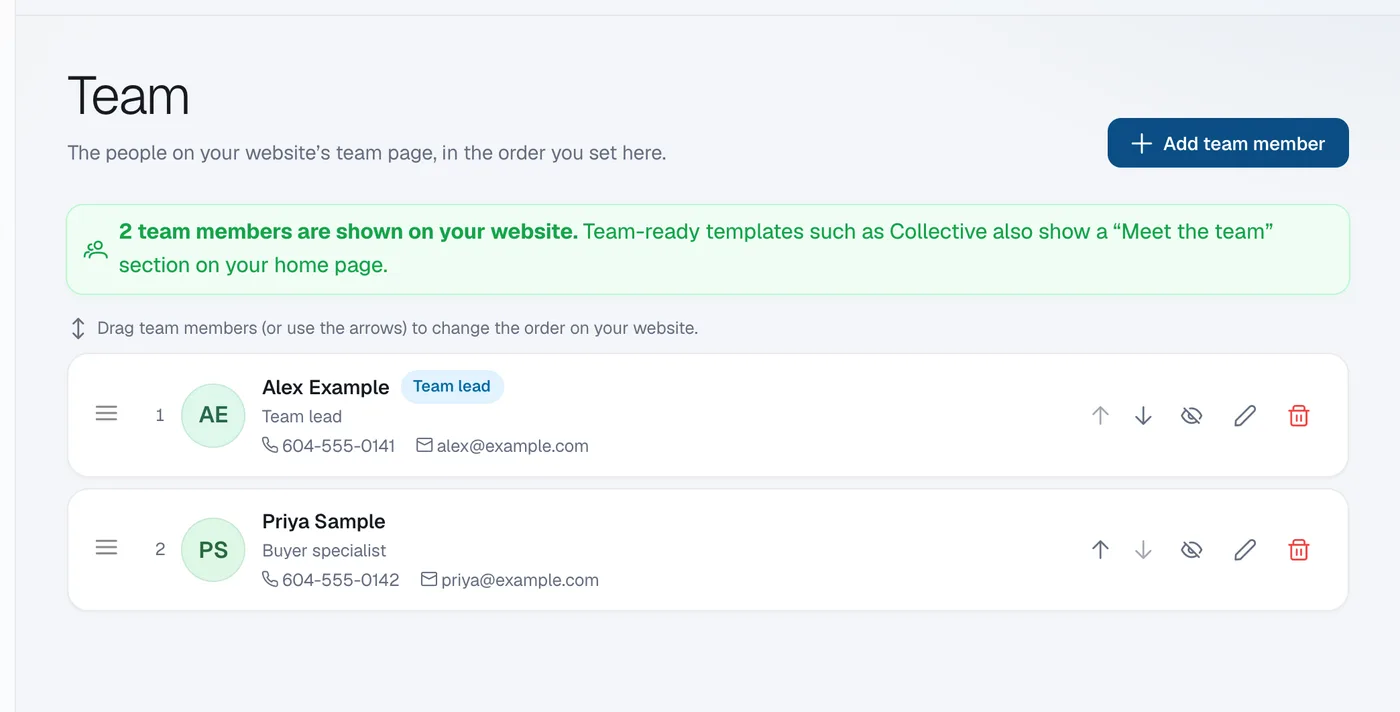
Move a member
Drag a row by its handle to a new place, or click the up or down arrow on the row. The order saves straight away.
Check your website
Click View site at the top of the admin to see the new order on your team page.