
How to add a building page
With the Buildings add-on, go to Buildings, click New building, add the name, address, photos, details and amenities, then click Create building.
Building pages are for condos and towers: a photo gallery, address and map, amenities, year built, floors and units, strata and management details, and the listings inside.
Steps
Add the Buildings add-on
On a paid plan, go to Account → Billing → Add-ons and add Buildings.
Create the building
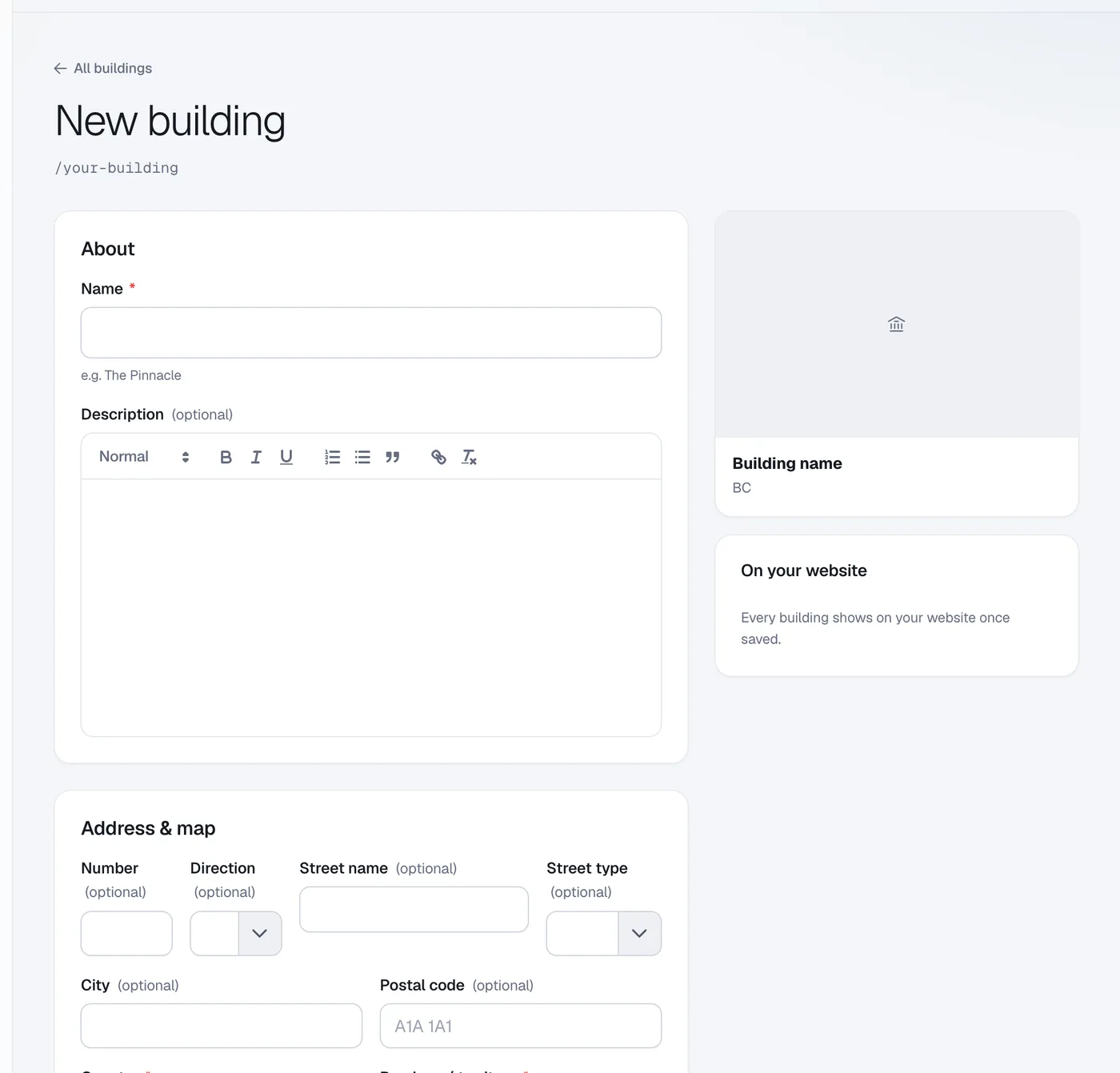
Click Buildings in the menu (under Content), then New building. Enter the Name (e.g. The Pinnacle) and a Description.
Add the address, photos and details
Fill in Address & map, upload Photos, and add Building details such as Year built, Floors and Units, plus Amenities and Strata & management.
Save
Click Create building. Every building shows on your website once saved.
Link your listings
Open a listing, go to More details → Strata & condo and pick the Building.
Questions
What happens if I cancel the add-on?
Your building pages stay online.