
How to turn on Google reCAPTCHA on your forms
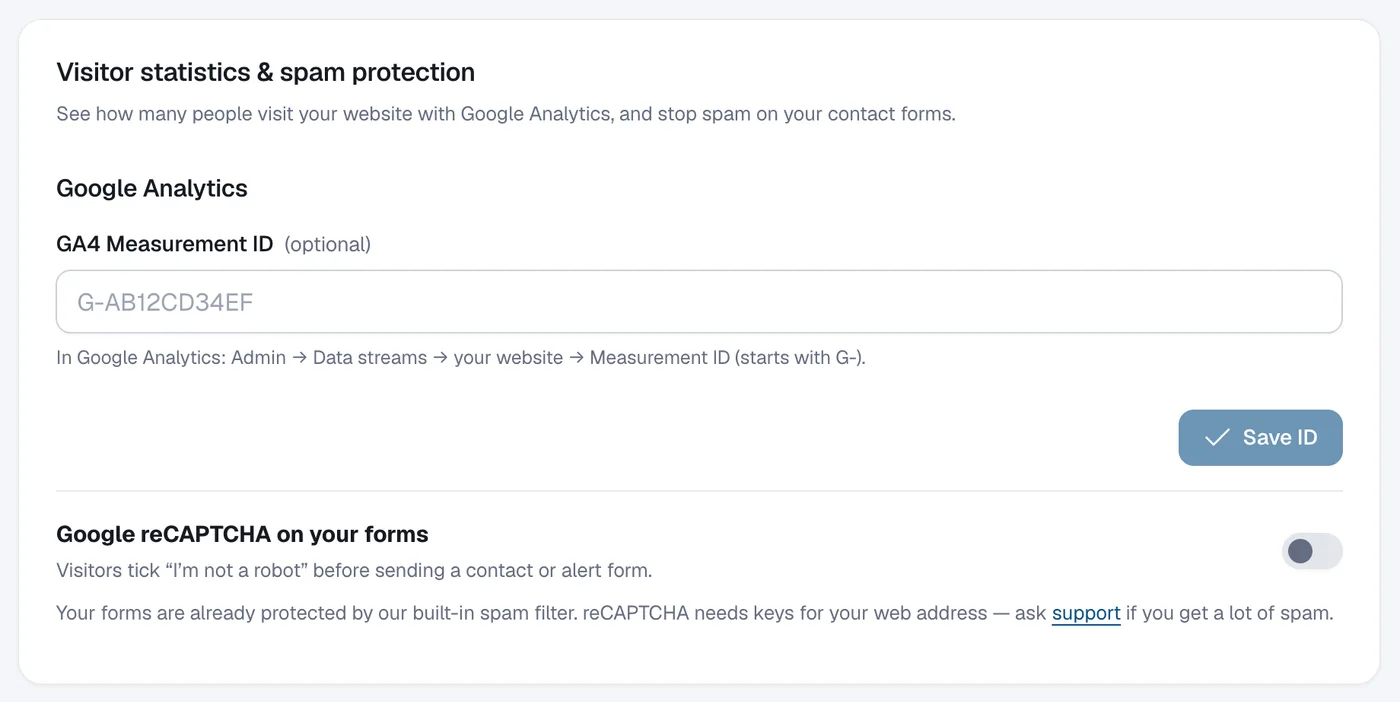
Go to Website, then SEO, and switch on Google reCAPTCHA on your forms; visitors then tick “I’m not a robot” before sending a contact or alert form.
Your forms are already protected by a built-in spam filter. reCAPTCHA adds an “I’m not a robot” check for websites that still get a lot of spam.
Steps
Open SEO
Go to Website → SEO and scroll to Visitor statistics & spam protection.
Switch it on
Switch on Google reCAPTCHA on your forms.
If the switch is greyed out
reCAPTCHA needs keys for your web address. Send a request from Help & support and we’ll set it up.