
How to deal with spam leads
Your forms already have a built-in spam filter; archive any spam that gets through, and turn on Google reCAPTCHA under Website, then SEO if you get a lot of it.
Every RealtyTerminus website has a built-in spam filter on its contact, listing and valuation forms. Now and then a spam message may still get through.
Steps
Archive the spam lead
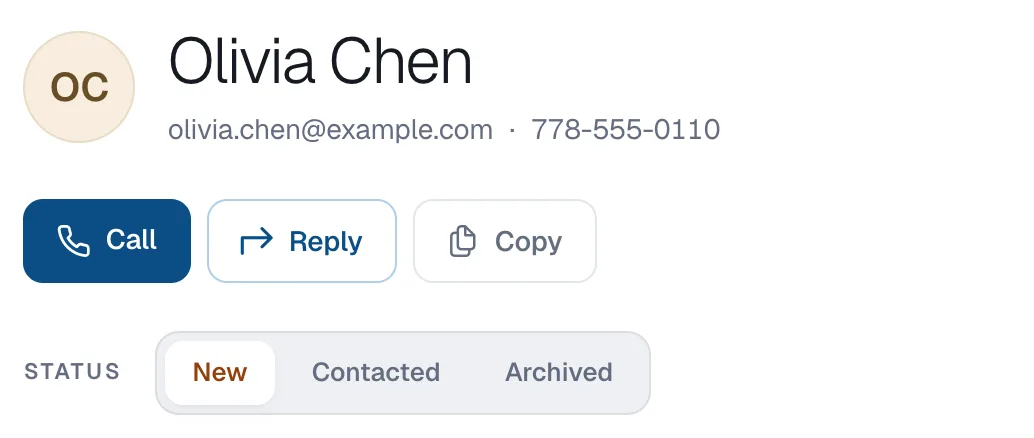
Open the lead in Leads and click Archived under Status. It leaves your New list.
Turn on reCAPTCHA if spam keeps coming
Go to Website → SEO and switch on Google reCAPTCHA on your forms. Visitors then tick “I’m not a robot” before sending a form. See How to turn on Google reCAPTCHA.
Still getting spam? Tell us
Send a request from Help & support with an example, and we’ll look at it.