
How to export your leads to a CSV file
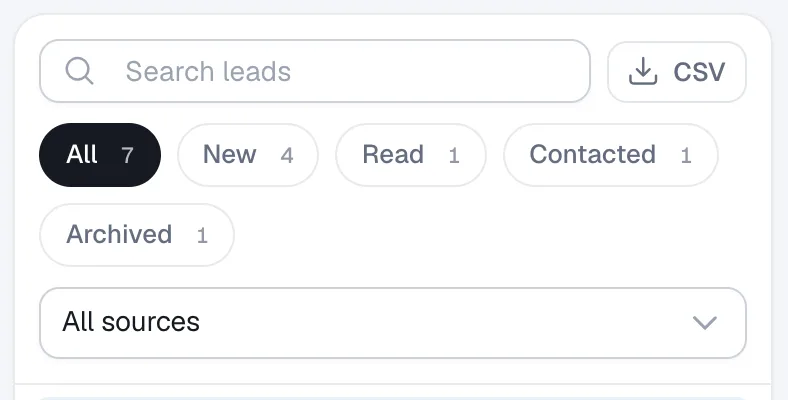
In Leads, filter the list the way you want, then click CSV to download those leads as a spreadsheet file that opens in Excel or Google Sheets.
The CSV button downloads exactly the leads you see: the current search, status and source filters are applied. It’s handy for importing leads into another CRM.
Steps
Open Leads
Click Leads in the menu.
Filter the list
Optionally search or pick a status chip and a source, for example New and Listing inquiry. Choose All to export everything.
Download
Click CSV. The file downloads to your computer. Open it in Excel, Numbers or Google Sheets.
Questions
Can I export listing-alert subscribers too?
Yes. Choose Subscribers (alerts) in the source menu first, then click CSV.
How do I export all my website data?
Use Export my data under Account → Settings. See How to export your website data.