
How to export your website data
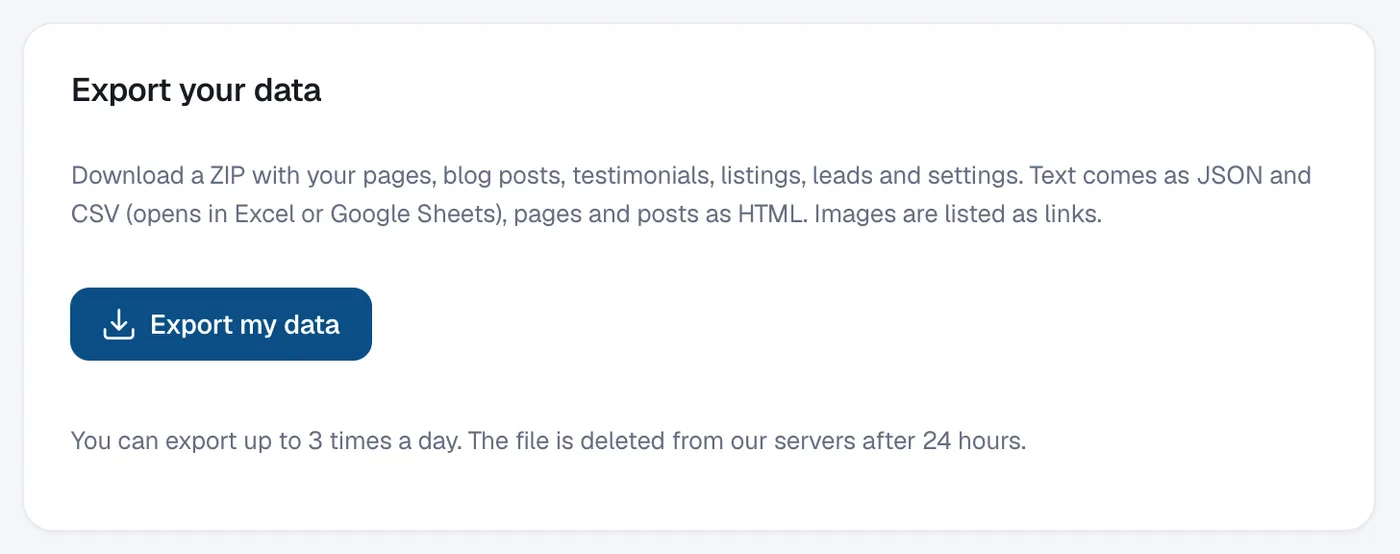
In Account, then Settings, click Export my data to download a ZIP of your pages, blog posts, testimonials, listings, leads and settings.
You can download a copy of your content at any time. Text comes as JSON and CSV (opens in Excel or Google Sheets), pages and posts as HTML, and images are listed as links.
Steps
Open Settings
In the menu, open Account and click Settings, then scroll to Export your data.
Create the export
Click Export my data. It usually takes a few seconds.
Download the file
Click Download next to the file name. The link works for 24 hours; after that click Create a new export.
Questions
How often can I export?
Up to 3 times a day. The file is deleted from our servers after 24 hours.