
How to set your home page title and description for Google
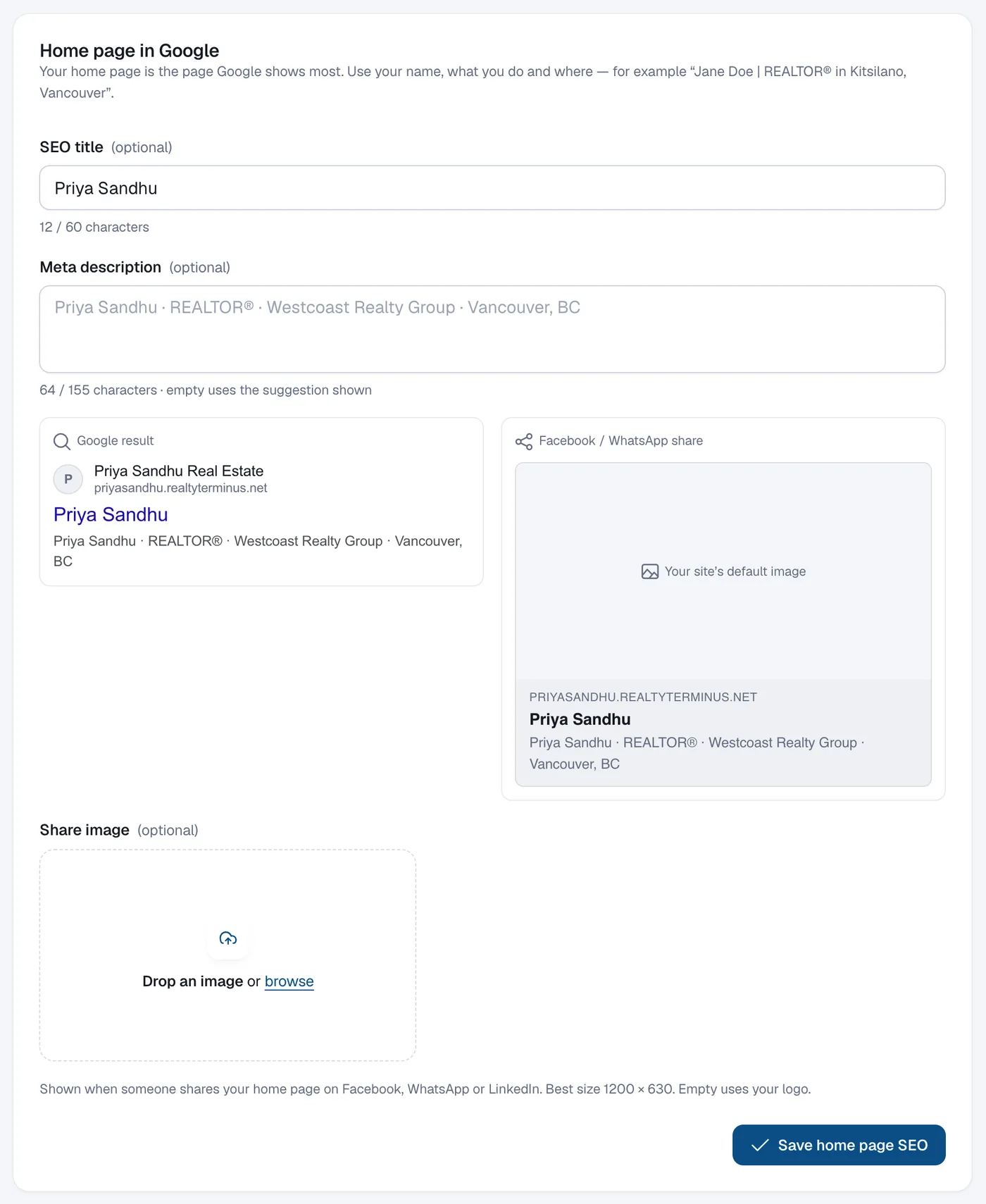
Go to Website, then SEO, write the SEO title and Meta description under Home page in Google (the preview shows how it may look), add a share image, and click Save home page SEO.
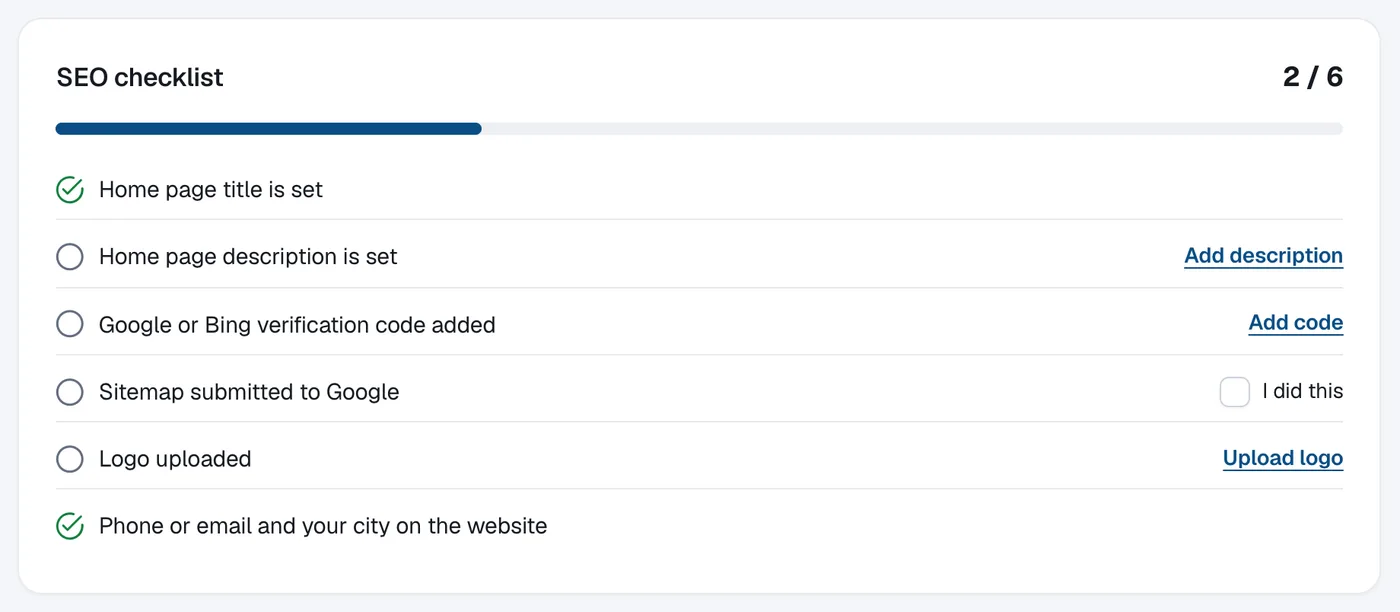
Your home page is the page Google shows most. Use your name, what you do and where — for example “Jane Doe | REALTOR® in Kitsilano, Vancouver”. The SEO checklist at the top of the page shows what’s done and what’s left.
Steps
Open SEO
Open Website in the menu and click SEO.
Write the title and description
Under Home page in Google fill in SEO title and Meta description. Empty fields use the suggestion shown. The Google result preview updates as you type.
Add a share image (optional)
Under Share image click Upload share image (best size 1200 × 630). It’s shown when your home page is shared on Facebook, WhatsApp or LinkedIn; empty uses your logo.
Save
Click Save home page SEO.
Questions
How do I set titles for other pages?
Each page, blog post, listing, community and building has its own Search engine & sharing section in its editor. Advanced SEO adds a list of every page’s Google title and description in one place.