
How to connect Google Analytics (GA4) to your website
Copy your GA4 Measurement ID (starts with G-) from Google Analytics, paste it under Google Analytics in Website, then SEO, and click Save ID.
Google Analytics shows how many people visit your website and where they come from.
Steps
Find your Measurement ID
In Google Analytics go to Admin → Data streams, open your website’s stream and copy the Measurement ID (it starts with G-).
Paste it in your admin
Go to Website → SEO, scroll to Visitor statistics & spam protection and paste it into GA4 Measurement ID.
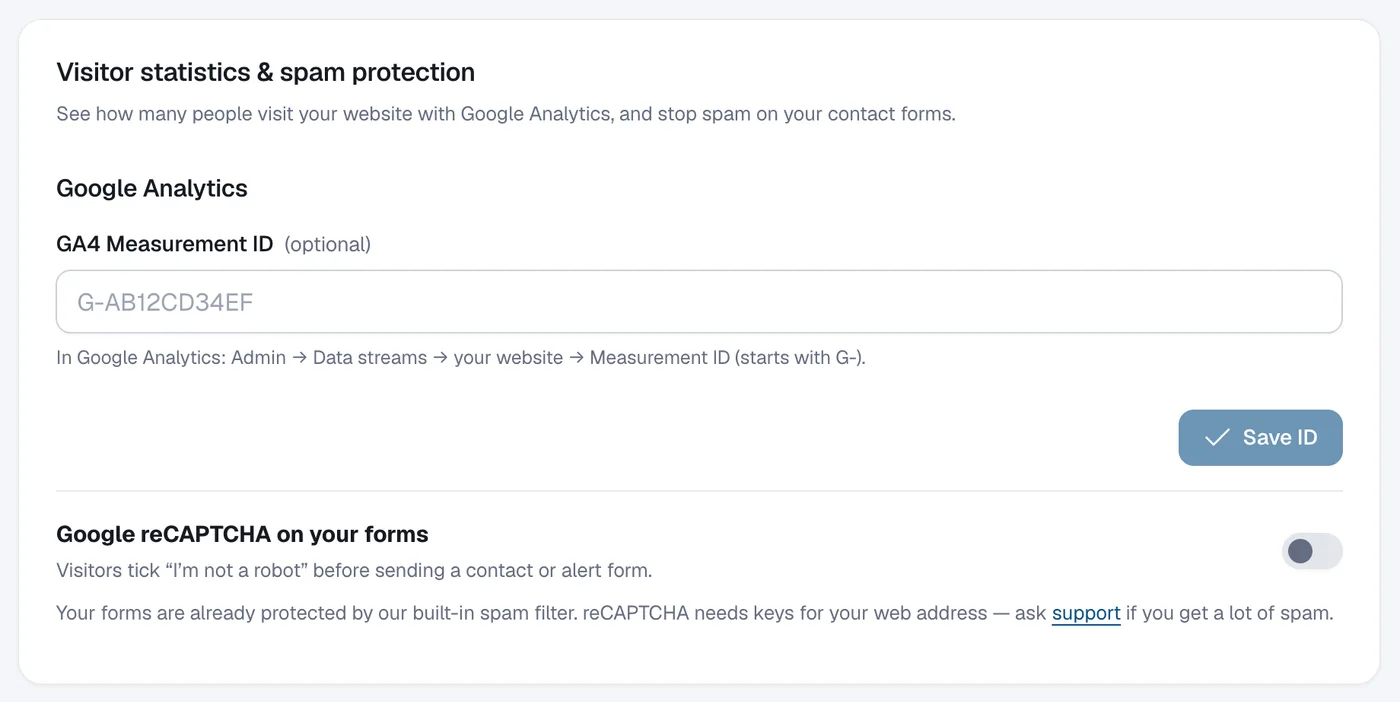
Save
Click Save ID. The heading shows Connected. Click Remove to disconnect it later.