
How to change your name, phone or sign-in email
Go to Account, then Profile, edit your first name, last name, phone or brokerage under Your details and click Save details; to change your sign-in email, contact support.
Profile holds your own account details. The contact details shown on your website are separate: change those under Website → Branding.
Steps
Open Profile
Open Account in the menu and click Profile, or click your name at the top right and choose Profile.
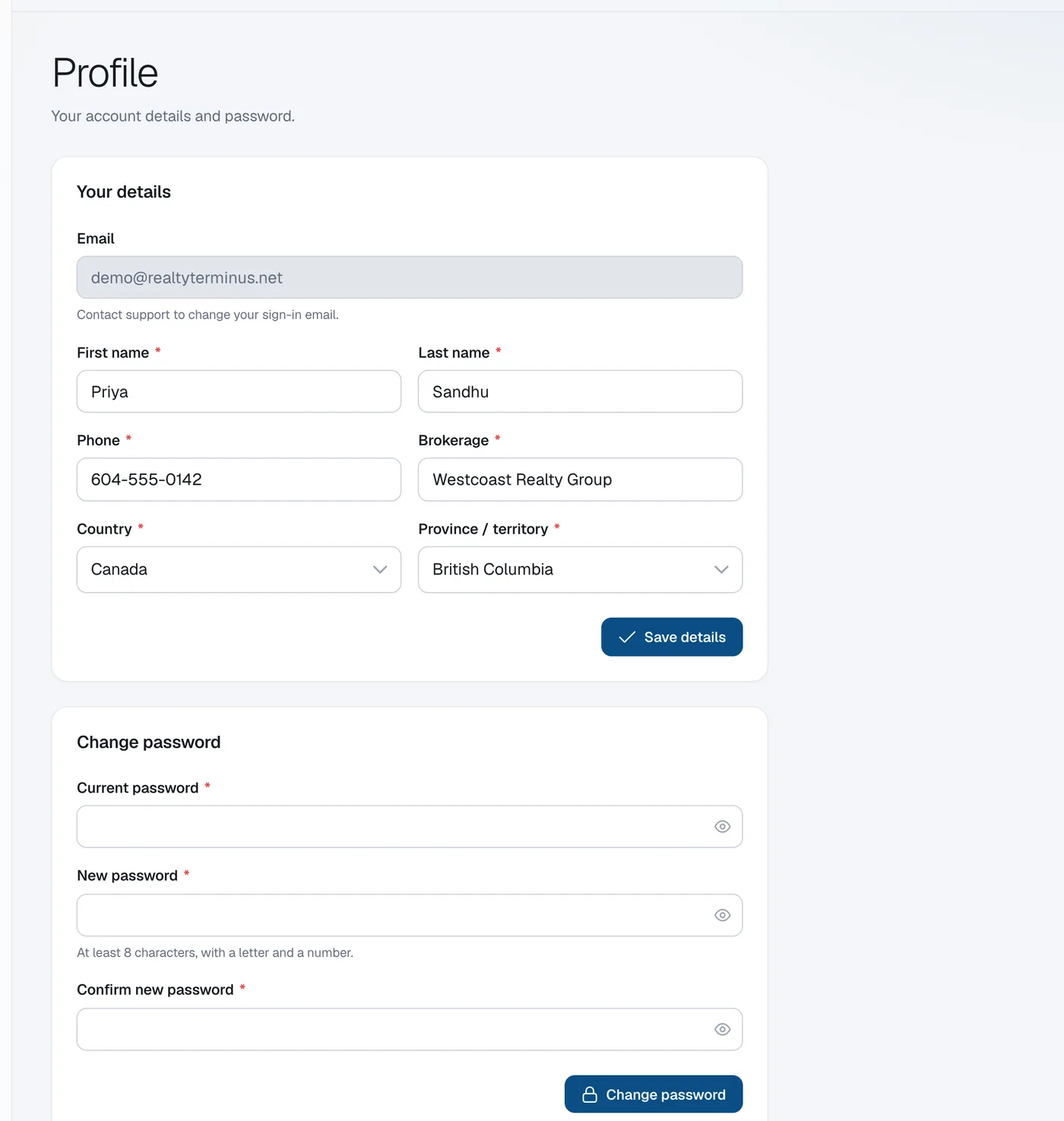
Edit your details
Under Your details change your First name, Last name, Phone or Brokerage.
Save
Click Save details.
Questions
How do I change the email I sign in with?
Send a request from Help & support and we’ll change it for you.