
How to change your password
Go to Account, then Profile, enter your current password and a new one twice under Change password, and click Change password.
Passwords need at least 8 characters, with a letter and a number.
Steps
Open Profile
Open Account → Profile and scroll to Change password.
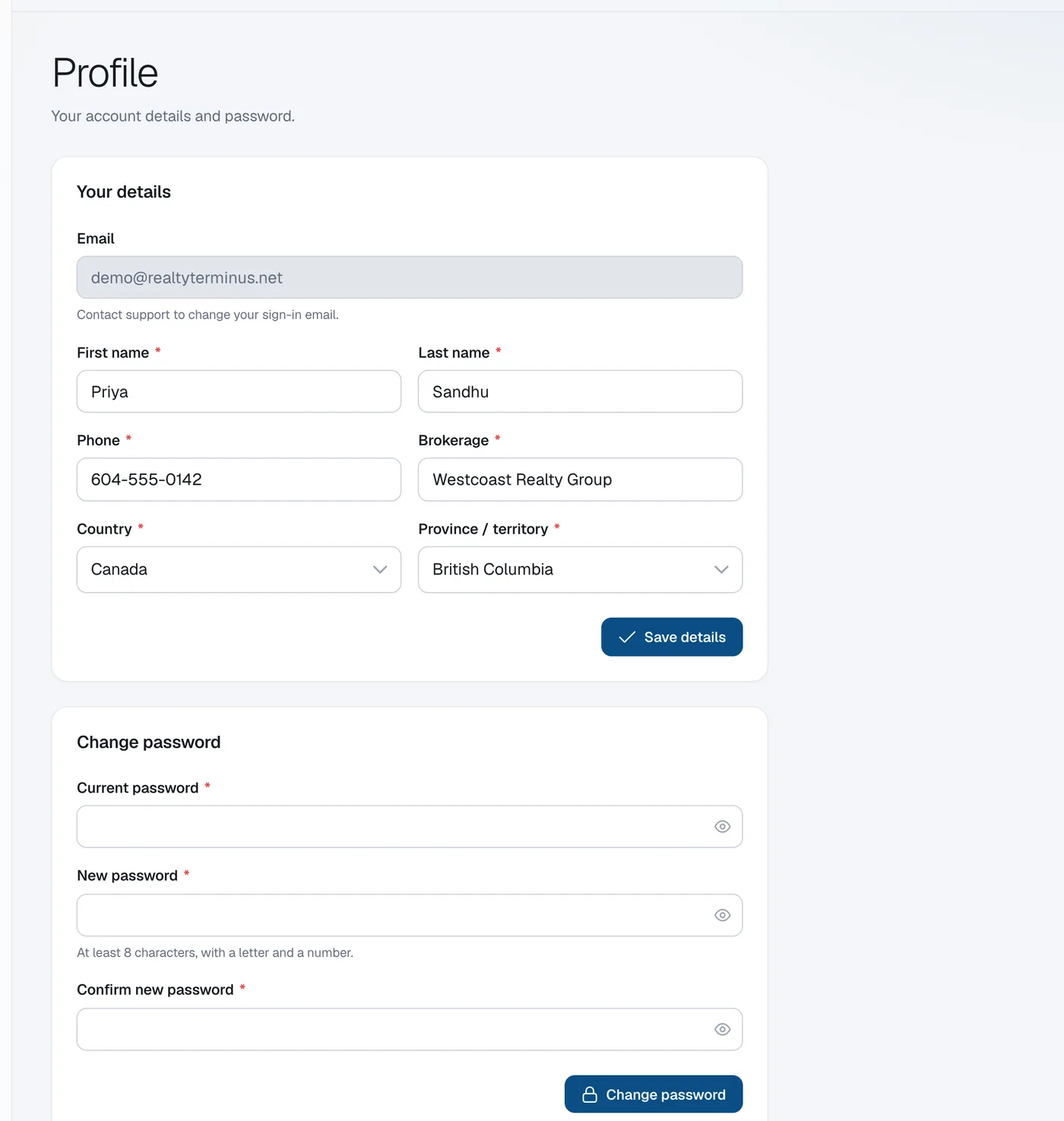
Enter the passwords
Type your Current password, then the New password and Confirm new password.
Save
Click Change password.