
How to reset a forgotten password
On the sign-in page click Forgot password?, enter the email you signed up with and click Send reset link, then follow the link in the email to choose a new password.
If you can’t remember your password, you can set a new one from the sign-in page.
Steps
Open Forgot password
Go to my.realtyterminus.net/login and click Forgot password?
Request a reset link
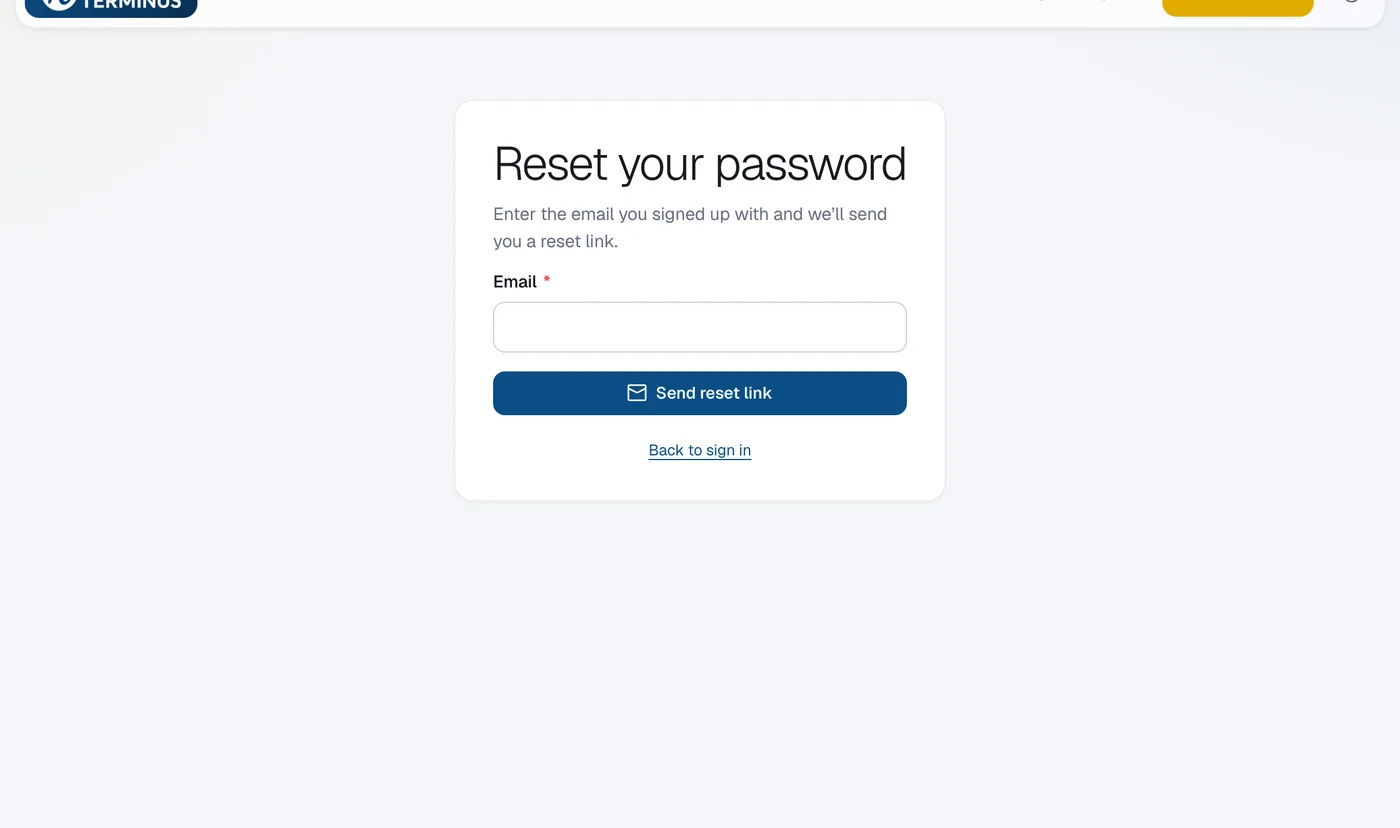
Enter the Email you signed up with and click Send reset link.
Choose a new password
Open the email, click the link, enter your New password and click Save password. Then sign in.
Questions
The link says it’s incomplete or expired.
Request a new one from Forgot password? and use the newest email.