
How to show festival greetings on your website
Go to Website, then Branding, switch on Show festival greetings on my website, tick the festivals you celebrate, choose a style and click Save greetings.
Festival greetings add a small ribbon or home-page badge around the festivals you choose, such as Diwali, Lunar New Year or Christmas, then disappear on their own.
Steps
Open Branding
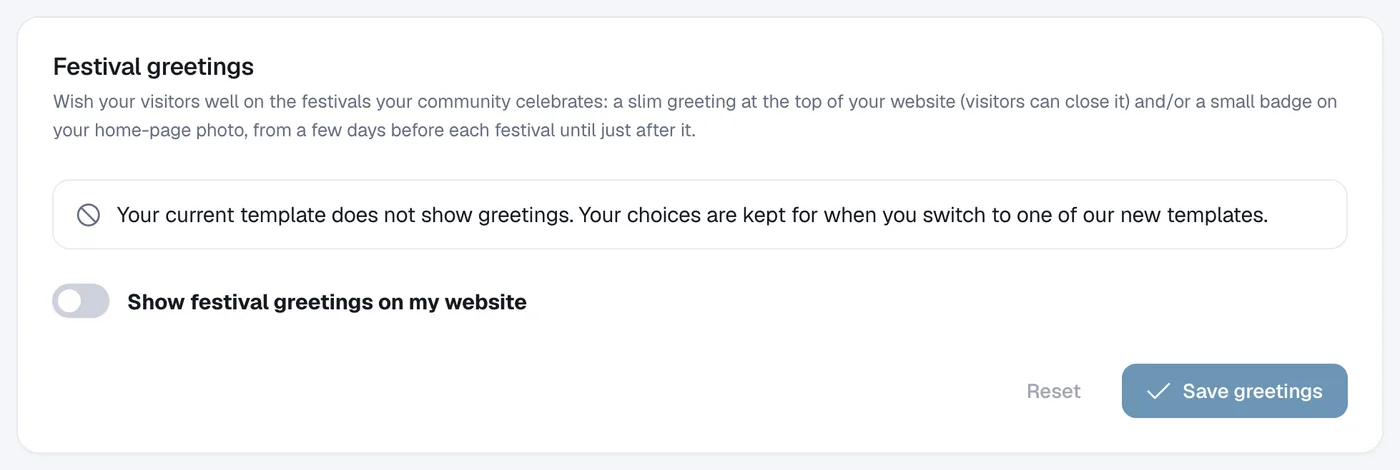
Open Website → Branding and scroll to Festival greetings.
Switch it on and pick festivals
Switch on Show festival greetings on my website, choose a style, and tick the festivals you want. Click Preview on a festival to see it.
Personalise (optional)
Add Your own message, choose how many days before and after it shows, and tick Add the greeting in its own language and script if you like.
Save
Click Save greetings.