
How to preview a template with your own content
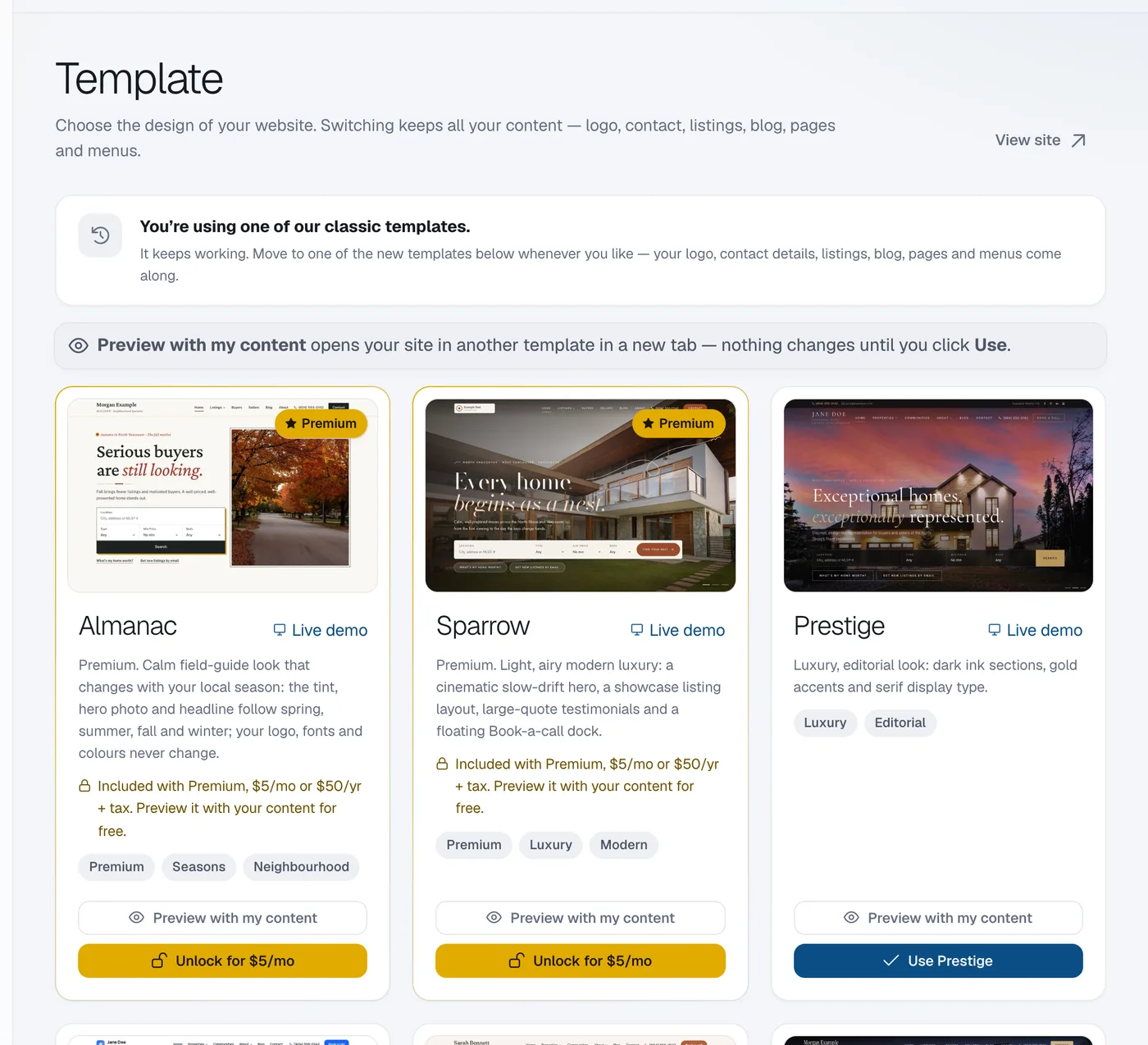
On Website, then Template, click Preview with my content under any template to open your own website in that design in a new tab; nothing changes until you click Use.
A preview shows your real logo, listings, pages and blog in another template, without changing your live website.
Steps
Open Template
Open Website → Template.
Preview
Click Preview with my content under the template. Your website opens in that template in a new tab.
Or watch the demo
Click the template’s picture to open its live demo, and switch between screen sizes.
Decide
Like it? Click Use (see How to change your website template). If not, just close the tab: nothing changed.
Questions
Can I preview premium templates without Premium?
Yes. You can preview any template with your own content any time.