
How to add an open house to a listing
Open the listing, go to Open houses & dates, click Add an open house, pick the date and times, and save; it shows on the listing page until the day has passed.
Open houses show on the listing’s page on your website. Past ones are hidden automatically.
Steps
Open the listing
Click Listings in the menu and click the listing.
Add the open house
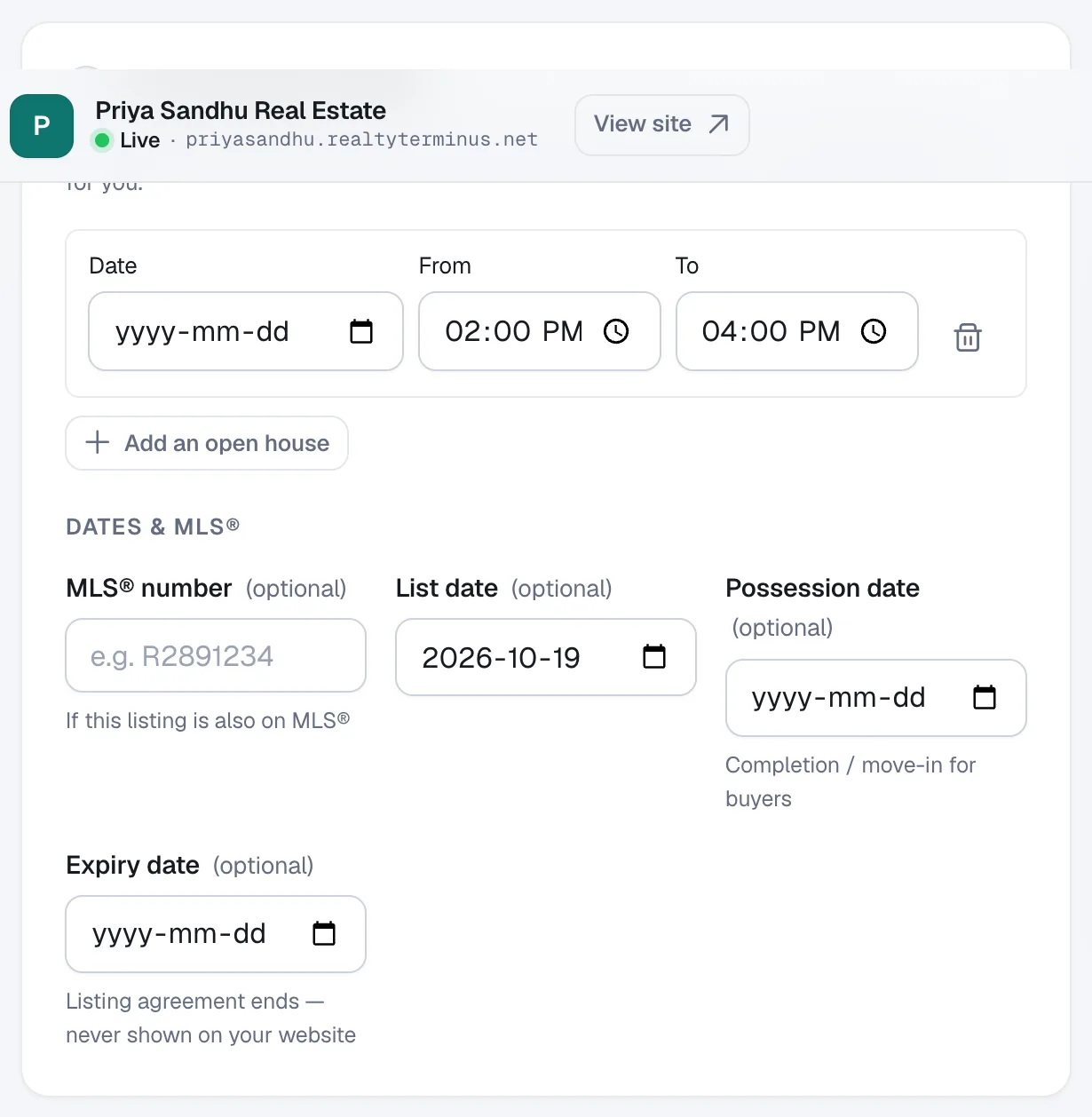
In section 4 Open houses & dates click Add an open house, then set the Date, From and To times.
Save
Click Save changes. Add more open houses the same way; click the bin icon to remove one.
Add an Open houses link to your menu (optional)
Go to Website → Navigation, click Add item and choose Open houses. The page lists your listings with an open house today or later.