
Which plan do I need: Free, Basic, MLS or Builder?
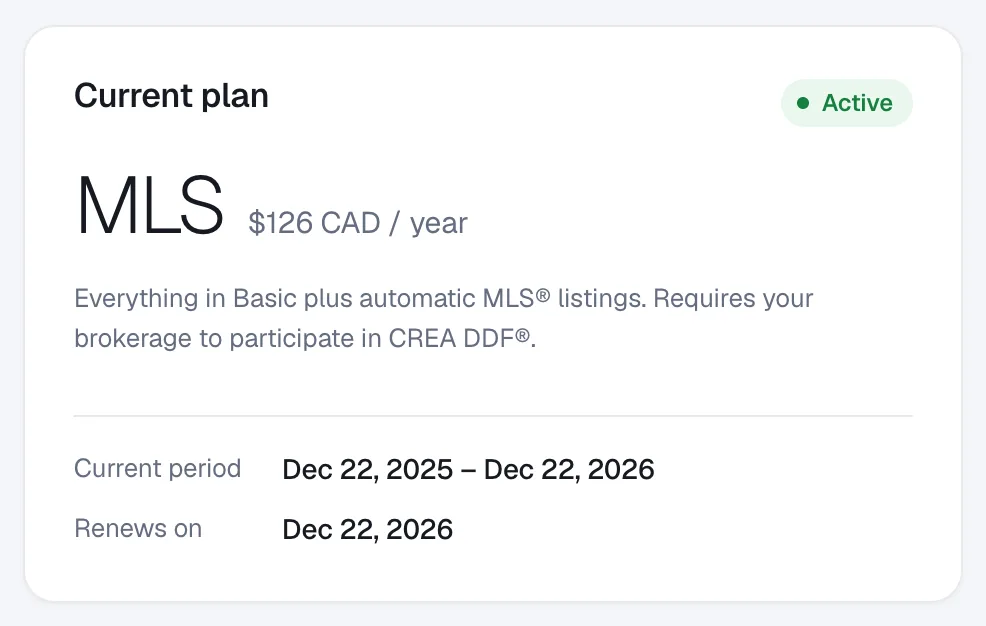
Free tries everything for 30 days; Basic adds your own domain with manual listings; MLS adds automatic MLS® listings for Canadian REALTORS®; Builder is for home builders and developers with higher limits.
All plans are do-it-yourself: you build and manage your website in the admin. See Pricing for current prices in CAD and USD.
Steps
Compare the plans
In your admin go to Account → Billing and click Compare plans — what’s included? (also on the plan page when you sign up).
Pick the plan that fits
Free: your website on
yourname.realtyterminus.netfor 30 days, no card. Basic: no time limit, your own domain, manual listings. MLS (REALTORS® in Canada): everything in Basic plus MLS® listings via CREA DDF®, listing search and map pages, and higher limits. Builder (Builder / Developer accounts): everything in Basic with room for your communities, show homes and projects, billed monthly or yearly.Upgrade
Click the plan’s button in Billing to pay securely with Stripe. See How to upgrade your plan.
Questions
Do I need the MLS plan to show listings?
No. Every plan lets you add listings by hand. The MLS plan adds your MLS® listings automatically, for REALTORS® whose brokerage participates in CREA DDF® (every province except Quebec and Manitoba).
What counts toward the limits?
Only your own Active listings count (MLS® feed listings never do); blog drafts don’t count; the starter pages don’t count toward the page limit. If you’re over a limit, nothing is removed — you just can’t add more.
Can I get more listings, posts or pages?
Yes, with the More Listings, More Blog Posts and More Pages add-ons ($5 a month or $50 a year each, fair usage).