
How to point extra domains to your website
With the Extra Domains add-on, go to Website, then Domain, scroll to Extra domains, type the domain and click Add domain, then add the DNS record shown; up to 2 more domains.
Send visitors from up to 2 more domains — an old domain, a .realtor name or a common misspelling — to your website. They keep the page they asked for, with SSL (https) on every domain. The add-on is $5 a month or $50 a year, plus applicable taxes.
Steps
Open Extra domains
Go to Website → Domain and scroll to Extra domains.
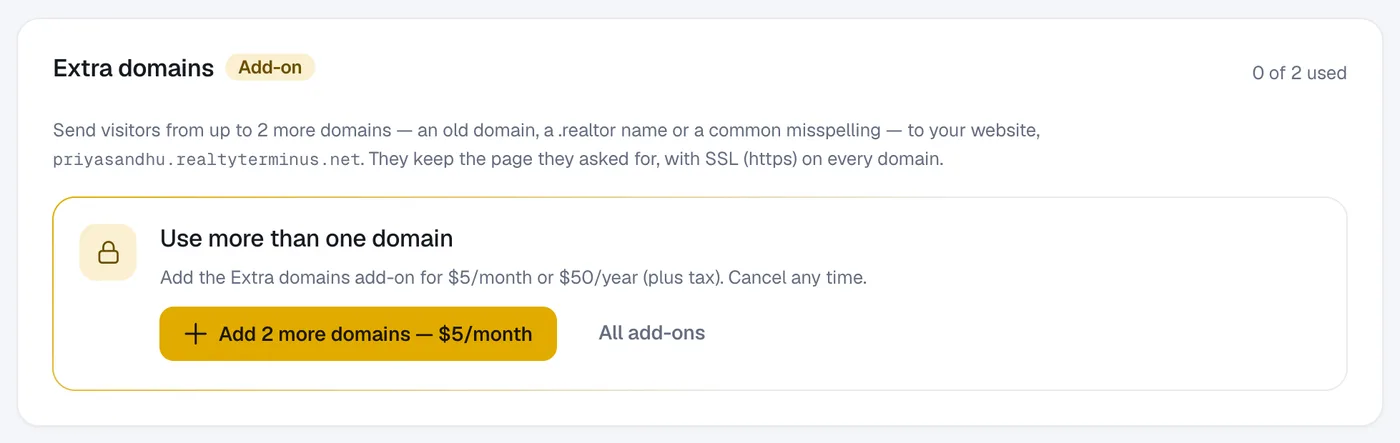
Add the add-on
Click Add 2 more domains and then Continue to checkout. After paying you come back here.
Add a domain
Type the domain (e.g.
www.youroldname.com) and click Add domain.Add its DNS record
Click DNS setup on the domain to see its record, add it at your registrar, then click Re-check DNS.
Questions
What happens if I cancel?
Your extra domains stay on until the end of the period you paid for, then they’re paused — kept, not deleted.